
Build a page from blocks for your offer
Website builder
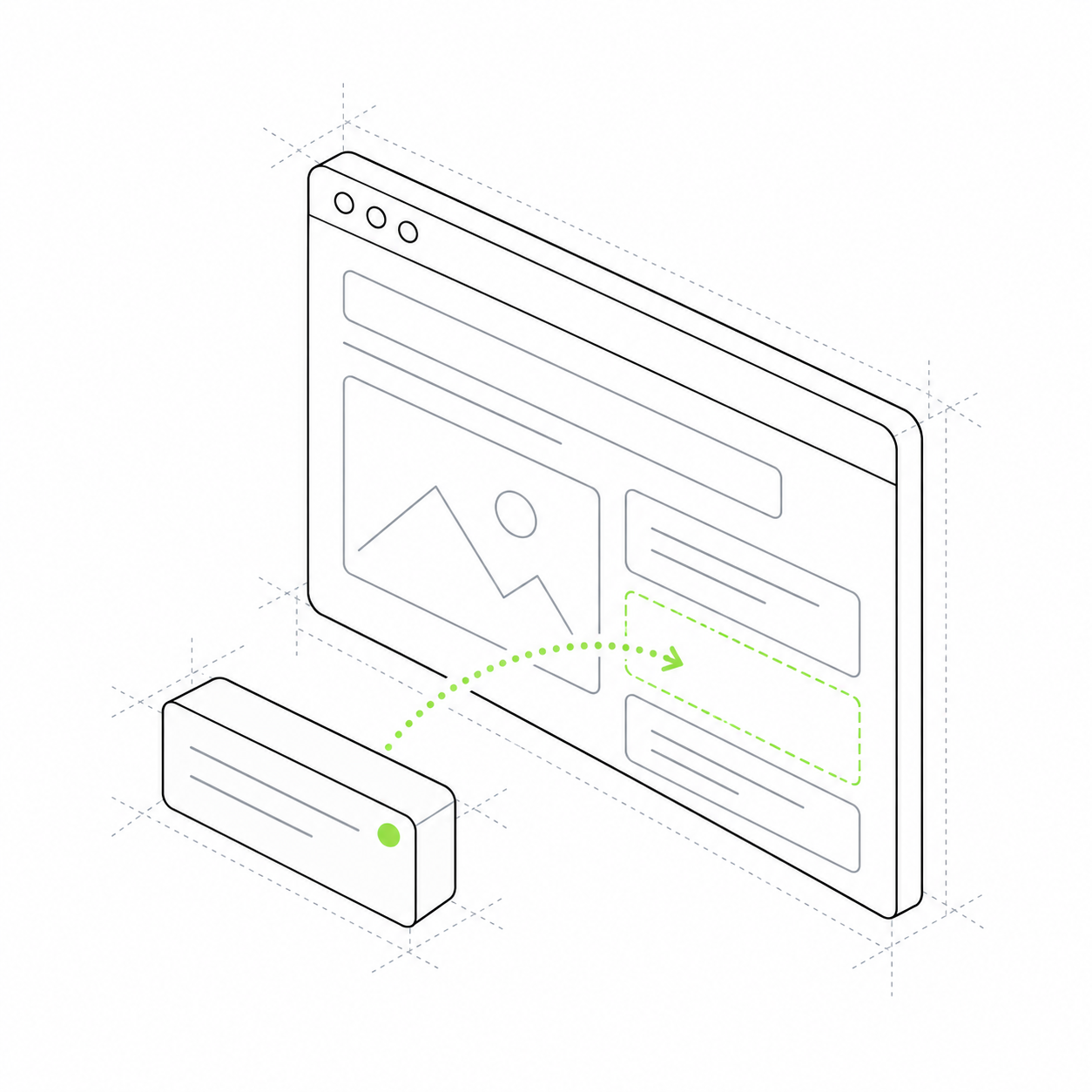
Assemble a page from blocks: a cover, description, images and buttons. Change the content to suit your offer.
Start with a cover and add a description, photos, programme and action button. Change text and images, choose suitable block variants and reuse them on other pages.
A course, consultation and product need different content, but often use the same page elements: a heading, image, benefits and action. The module stores these elements separately so you can populate and combine them for a particular offer.
Each block describes your product
Add a name, description and photos. Content is stored separately from the presentation variant.
The page leads to an action
Place a button next to the programme or offer. Embed an enquiry form or product card in the relevant block.
Content can be reused
One block can be linked to several pages. Shared information does not need to be rewritten in each place.
A page for a new workshop
Launching a class needs a cover, programme and booking. See what each part of the page does. In your project, populate these blocks with your own text and images.
The first version uses existing block variants. A different arrangement or a new interactive block requires code changes. Payments and enquiry processing remain separate modules' capabilities.
Cover
Shoot portraits in daylight The first screen explains the offer. Photography workshop Practice with a teacher Book a class
Programme
What we will practise This section explains the class content. Working with window light Positioning the model in the frame Reviewing the photos taken
Booking
Submit a class enquiry The form comes from the enquiries module. Participant name Contact details Selected class format