
Bring customers together around your project
Profiles and conversations
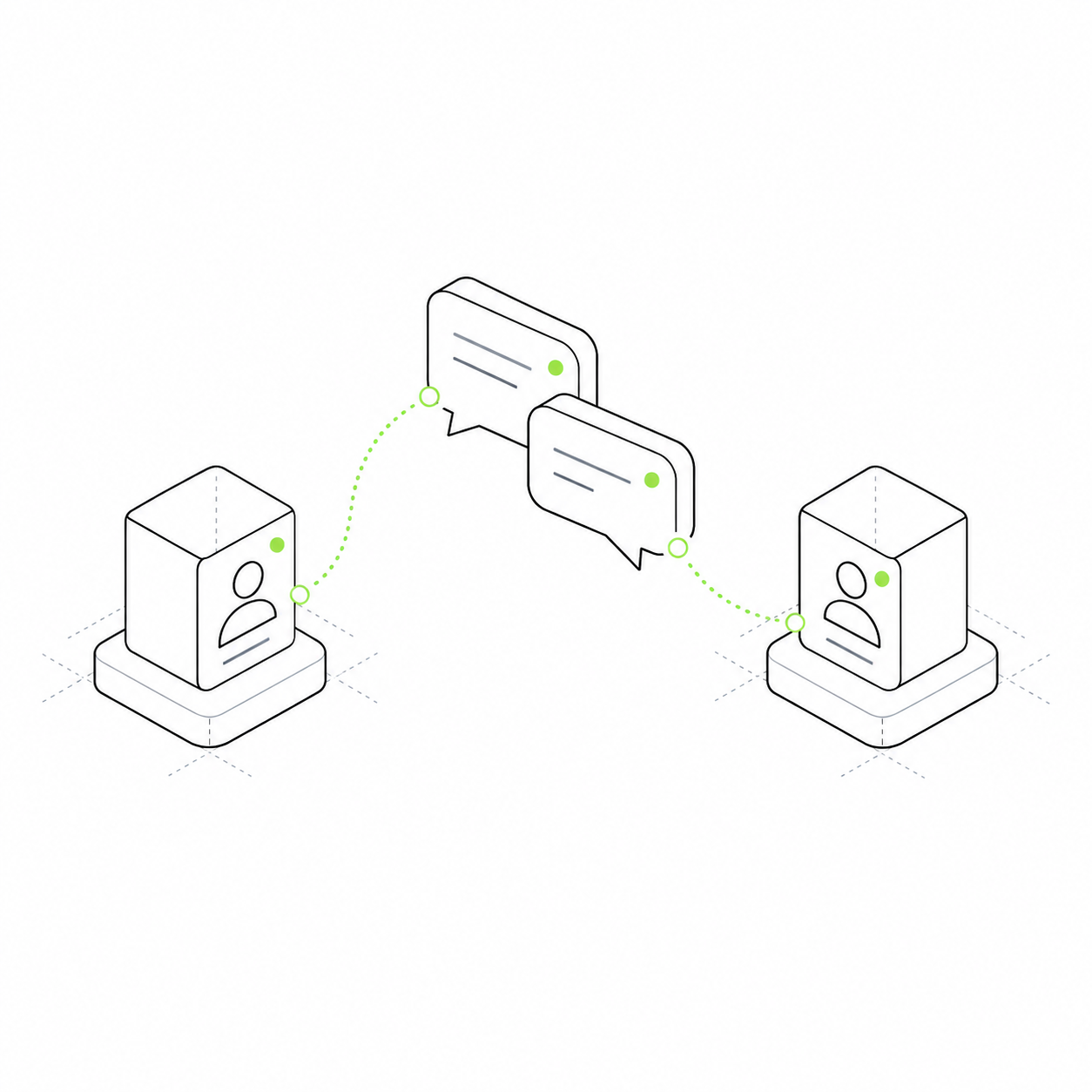
Create a community, a conversation with an expert or a chat with an AI assistant. Members can meet and discuss their tasks.
Create a community, expert platform or AI assistant service. Members can introduce themselves, ask an author a question and continue the conversation in a separate topic.
From an author card to a conversation with AI: one foundation for different ways to communicate.
What product do you want to create?
Choose a use case and try its interface. Below, we explain the parts it uses.
Community
Meet members, discuss projects and return to a relevant topic.
Expert platform
Explore a specialist's profile, articles and offers, then ask a question.
AI assistant
Discuss tasks with an assistant that uses connected materials.
How profiles, chats, threads and messages connect
Imagine a school with authors and an assistant. Profile answers who, Chat answers where we talk, Thread answers what topic and Message answers what was said. Relations connect these records.
Profile · who
Daria or the school assistant. A name and description represent a person or assistant; relations add articles, knowledge and skills.
Chat · where
A project conversation. Chat groups messages and topic threads.
Thread · topic
Landing page feedback: a separate topic with its own history inside the chat.