Tell customers about events in your project
Customer notifications
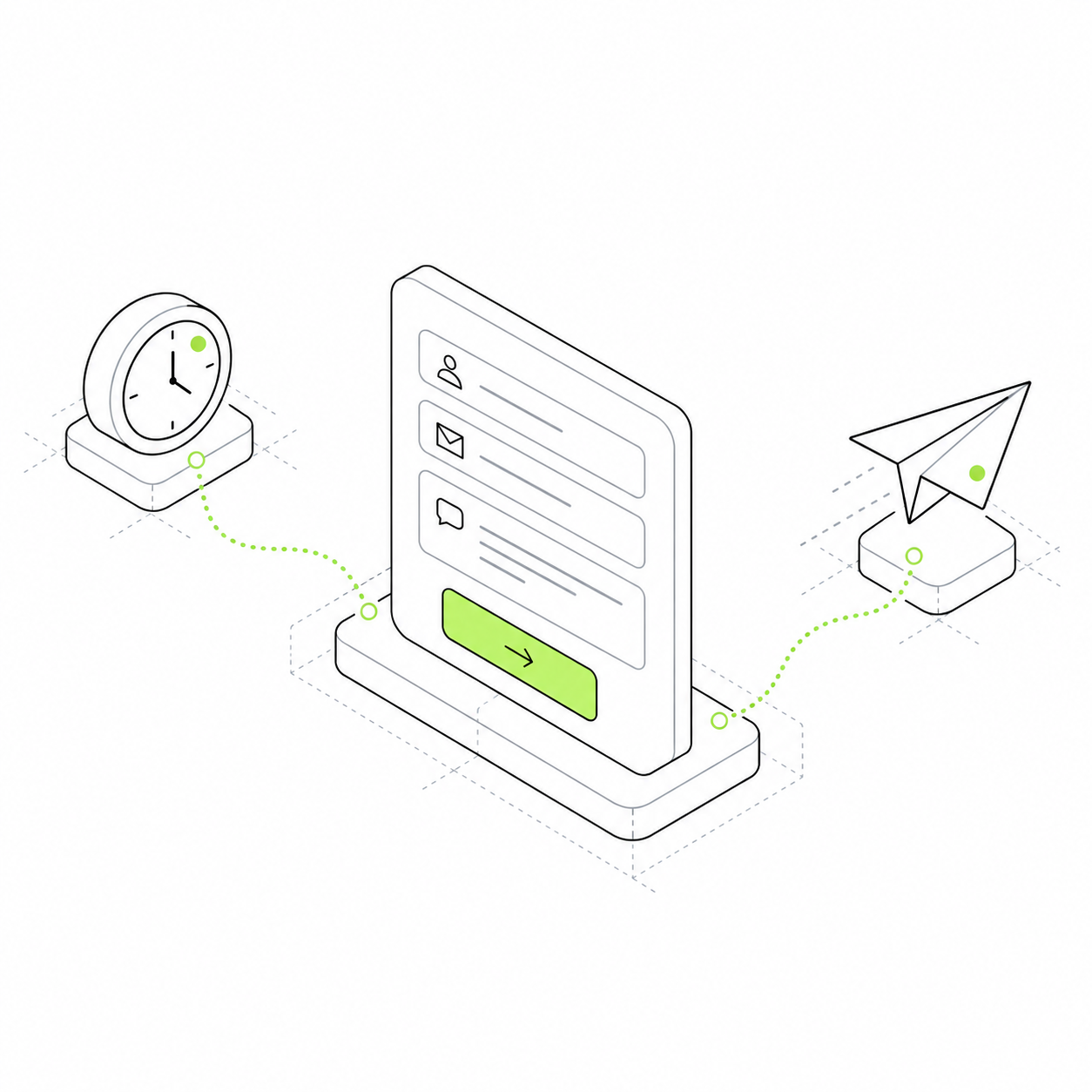
Send updates about enquiries, orders and events. Prepare message templates and connect the delivery method you need.
Prepare messages about orders, enquiries and other events. Use templates to insert the necessary data, and connect delivery through a channel suited to your project.
A customer submits an enquiry and does not know whether you received it. An employee may also miss a new record. A notification connects an event to a message for its recipient, showing what happened and what to do next.
A message refers to a specific event
Configure a notification about an enquiry or payment. Include data from that event in the text.
You do not need to rewrite recurring messages
Keep templates for recurring messages, such as enquiry receipt confirmations and team updates.
Delivery has a status
The project saves notification and delivery information. This helps investigate messages that did not arrive.
The salon received a new enquiry
A visitor requested a dog grooming appointment. They need confirmation, while the administrator needs details for a call. Choose a recipient to see different messages about the same event.
Sending requires a delivery channel, recipient address and trigger event. Timed reminders require scheduling. The module does not decide by itself which customers to message or when.
Customer
Enquiry received An example message after submitting a form. You selected Pomeranian grooming An administrator will contact you The appointment time is not confirmed yet
Team
New grooming enquiry An example staff notification. Customer: Anna Preference: weekend Open the enquiry and confirm a time
What you can offer customers
Extend the use case
crm
Trigger a message after receiving an enquiry.