
Give each section of your site its own place
Pages and navigation
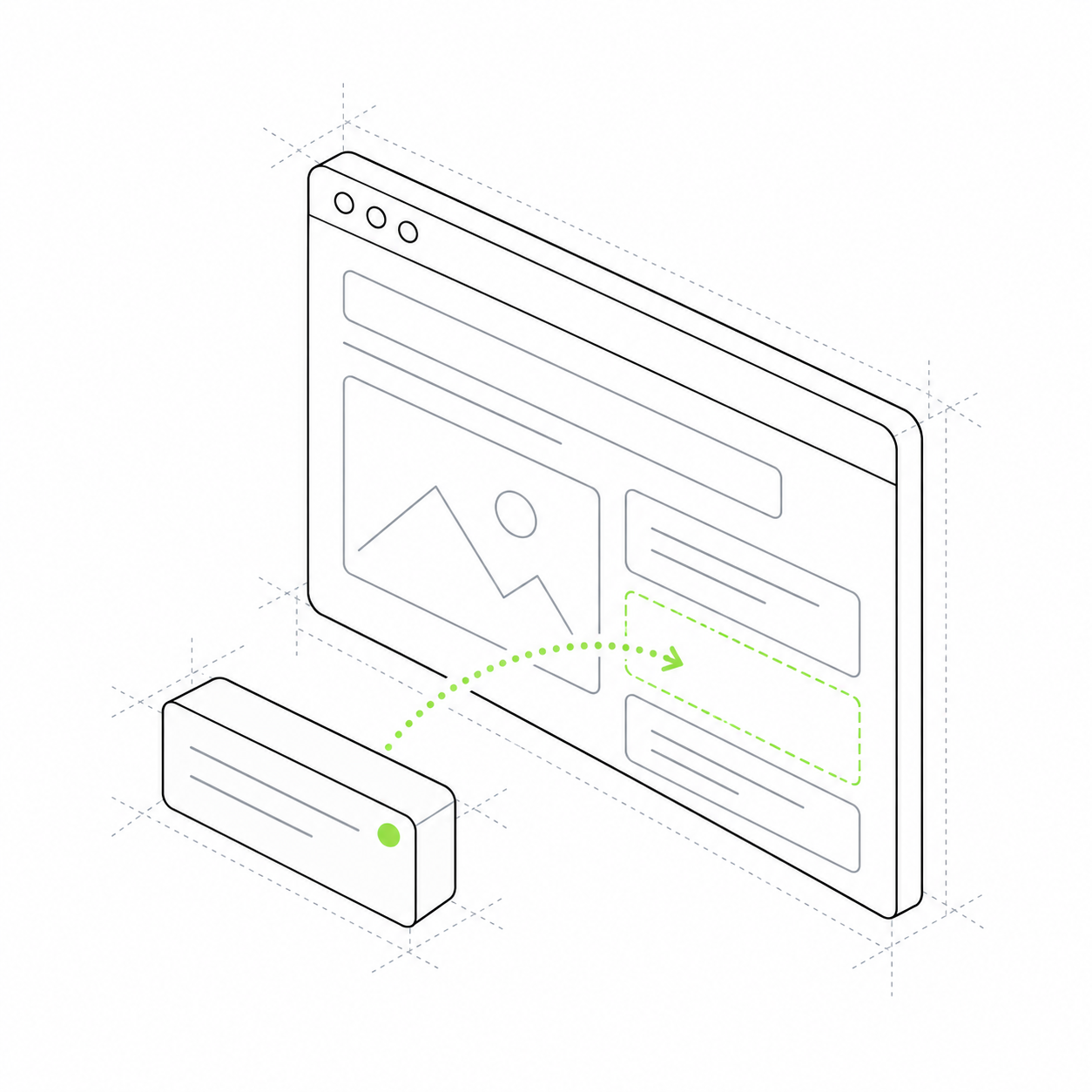
Organise your home page, catalogue, blog and account area. Each page has its own address, title and set of sections.
The home page, catalogue, articles and customer account work as parts of one site. Each page has an address and content, while the header and footer can be shared across the site.
Once a project has several sections, one long page is no longer enough. Customers need links to particular courses or articles, while you need to change section order and shared site elements. The pages module assembles this structure.
Share a link to a particular page
Set an address for a course, article or service. Visitors open that exact section instead of searching the home page.
Shared elements do not need copying
Use a shared layout for the header, menu and footer while keeping each page's content distinct.
Each page has its own title
Set a title and description. They are used in page metadata; they do not guarantee search rankings.
A school website with several sections
The home page introduces the school, the catalogue shows classes and course pages explain their programmes. Links connect these pages into a visitor journey.
Here, Host means the framework's page module. It is not a hosting service: the server, domain and publication are configured separately. Account and data modules check access to the account area.
Home
Photography school An introduction to the school with links to offers. Address: / About the school and teachers Course catalogue link
Course
Photography basics A page for a particular offer. Address: /courses/photo Programme and participation terms Course card and booking
What you can offer customers
Extend the use case
website-builder
Build page content from blocks.