
Turn your offer into a catalogue customers can order from
Catalogue and orders
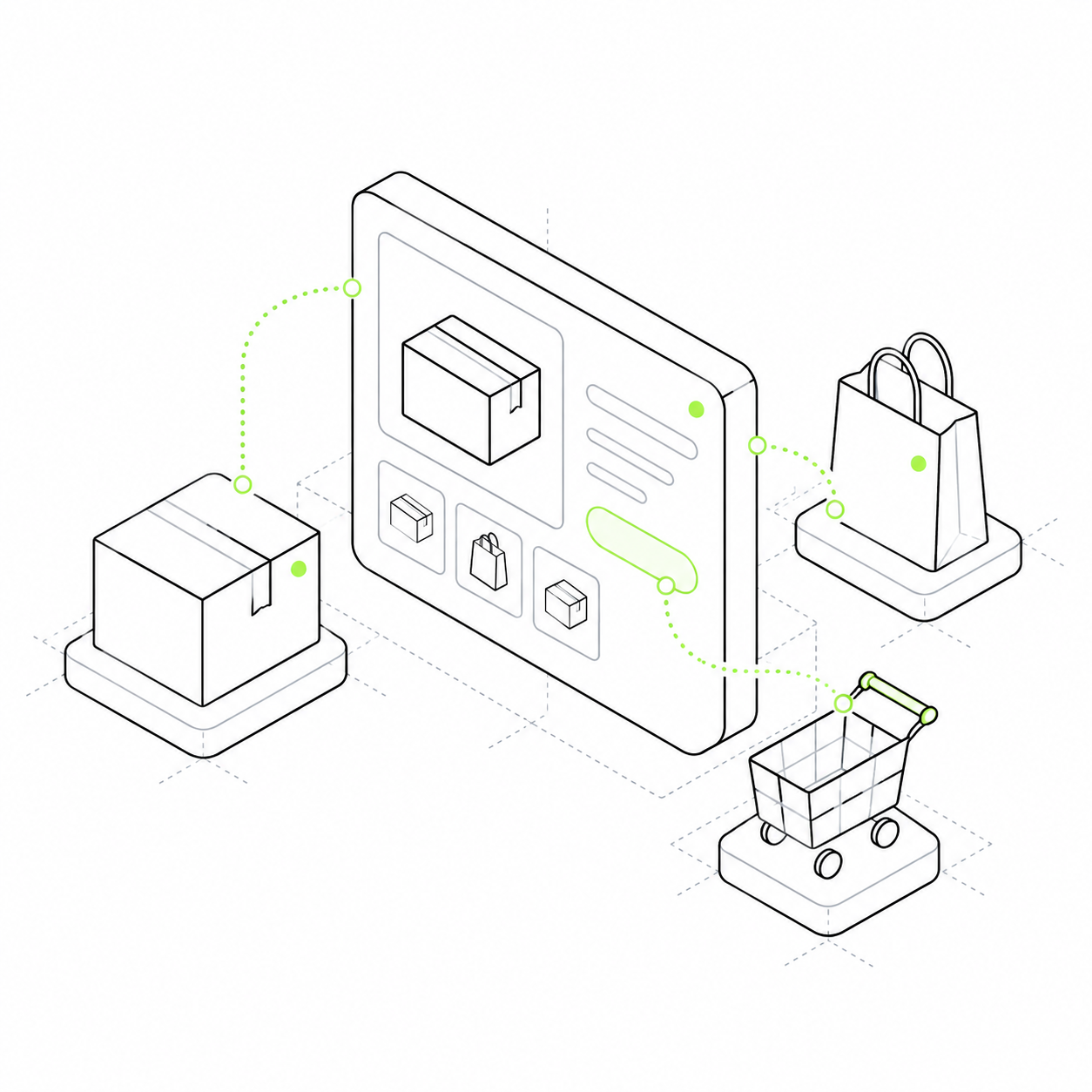
Show products, services or courses. Customers can choose what they need, add it to the cart and place an order.
Show products, services or courses with descriptions, images and prices. Customers can compare offers, fill a cart and place an order. You retain a record of their choices.
In a conversation, you repeatedly resend descriptions, confirm quantities and assemble purchases. A catalogue moves selection to the website. Cards explain the offer, the cart collects selections and an order records the purchase for further work.
Offers can be compared
Group products into categories and add attributes. For a course, an attribute might be the learning format; for a product, size or material.
Several items become one order
Buyers add products to a cart and change quantities. Order contents and totals are saved in the project.
Content leads to a purchase
Link an article or expert profile to an offer. Customers can move from an introduction to a product card.
A school sells classes and materials
The school offers an introductory course, a practical workshop and an exercise collection. Customers choose what they need now. Compare three steps: the catalogue, cart and created order.
The catalogue stores offers and orders. Accepting money requires Billing and a payment service. Delivery, booking a particular time and granting access need business-specific rules.
Catalogue
Choose a learning format Each offer has its own card and price. Introductory course · 2,900 RUB Practical workshop · 4,500 RUB Exercise collection · 600 RUB
Cart
Your selection Selected items are saved with their quantities. Introductory course · 1 item Exercise collection · 1 item Total: 3,500 RUB
Order
Order 104 The order is created. Payment is checked separately. Introductory course Exercise collection Status: awaiting payment