
Show changes while people use your site
Updates without reloading
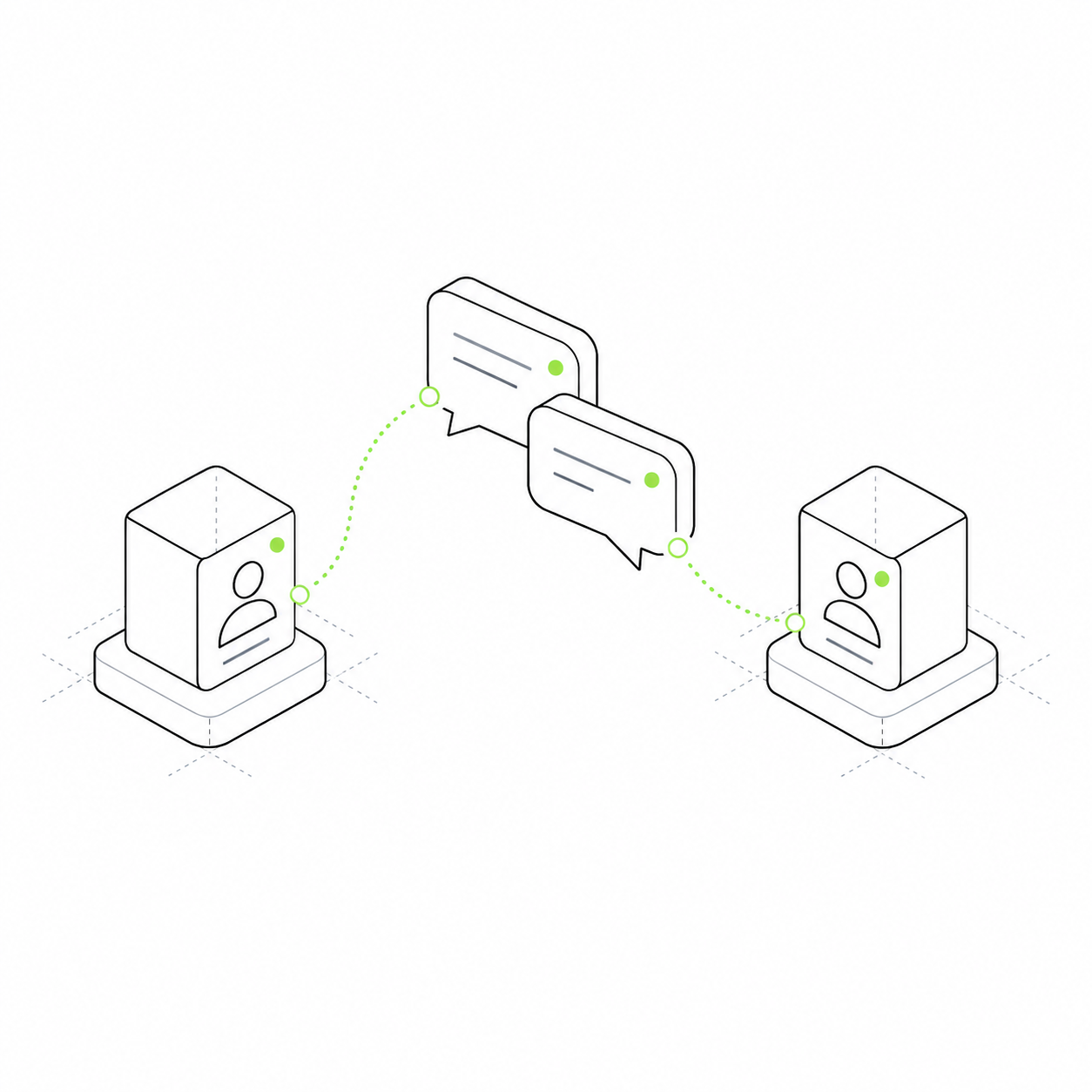
New messages and status changes appear in the open interface. Customers do not need to keep refreshing the page.
New messages, enquiries and status changes can appear in an already open interface. People do not need to reload the page manually to see changes.
An administrator opens the enquiry list in the morning. If new records appear only after a reload, they may work from an outdated list. The project needs a way to tell the open interface that data has changed.
Conversations continue on the open page
A new-message event lets the interface update the conversation. The conversation module stores the actual text and participants.
The team sees changes while working
With list updates configured, new enquiries and changed statuses appear for employees who already have the section open.
Two employees view enquiries
One administrator changes an enquiry. Another, whose list is already open, receives a change event. The interface requests current data within that person's access permissions.
Connect updates to a particular list or screen. An event does not grant access to someone else's data: the interface must fetch permitted records again. An email message is a separate notification workflow.
Before the change
Salon enquiries The open list before a new record arrives. Anna's enquiry Michael's enquiry
After the event
List updated A new enquiry arrived in this example. Anna's enquiry Michael's enquiry Olga's new enquiry
What you can offer customers
Extend the use case
social
Update an open conversation.
crm
Show new enquiries to the team.