
Run recurring actions as background tasks
Recurring tasks
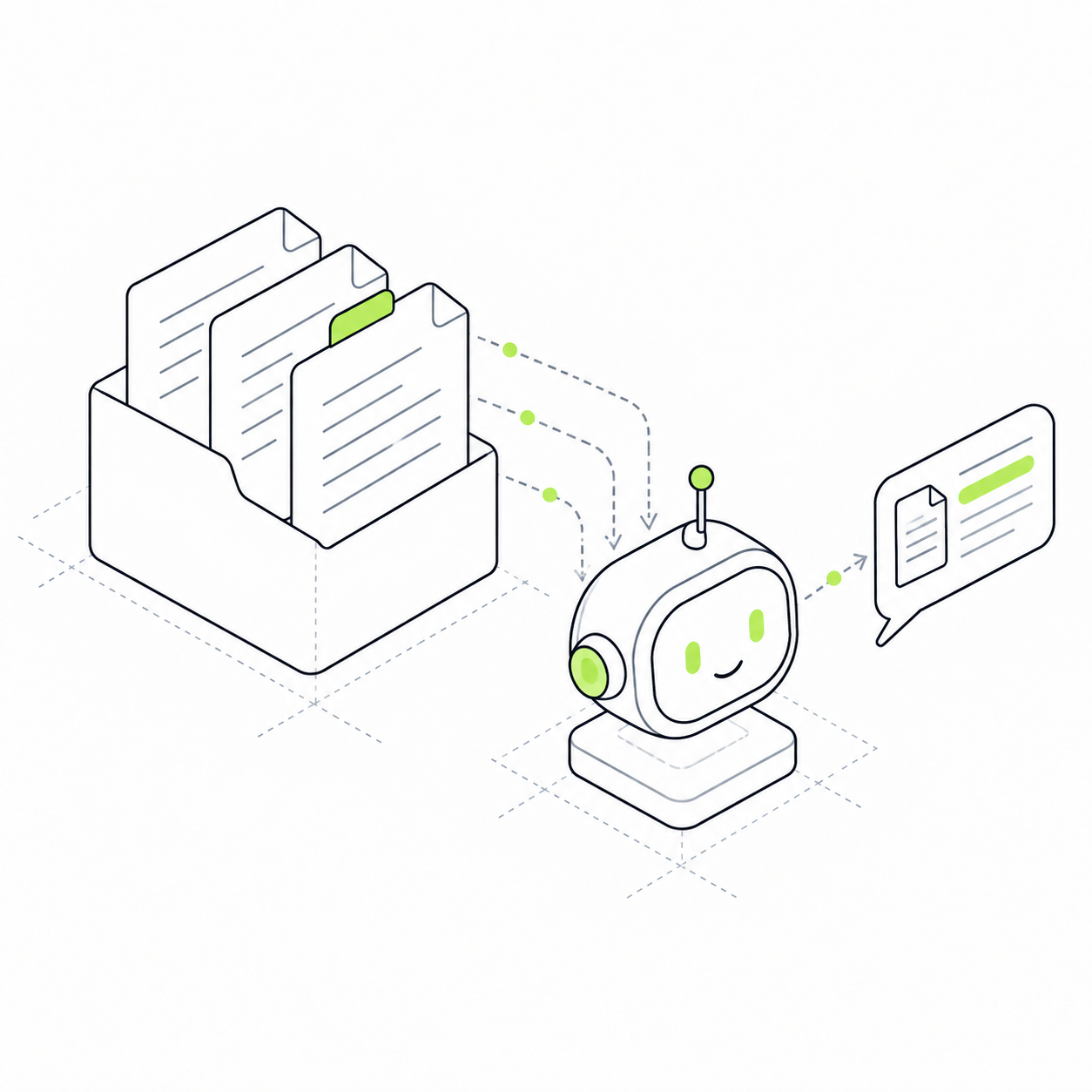
Set up actions triggered by a schedule or event: processing messages, preparing materials or sending notifications.
Define what should happen on a schedule or event: process a message, prepare materials or send a notification. The module stores task settings and triggers configured actions.
An operation can be run manually once. When it is needed every day or after each event, the project needs a trigger rule. For example, a morning summary or an assistant's response to a new message should run without a separate manual start each time.
Recurring work has a schedule
Set how often to run a configured operation. The operation itself and its input data must be configured in the project.
A task can respond to an event
Start processing when the required data appears. Existing workflows use this to make AI profiles respond to messages.
Develop automation separately
Add tasks as recurring work appears. A task uses other modules' capabilities.
A daily summary for a school owner
Suppose you want a list of new enquiries every morning. The project needs configured steps to retrieve enquiries, prepare a message and deliver it. Agent schedules this workflow.
Agent does not perform an arbitrary business task from its name alone. Actions and connections must be configured. If an action uses AI or external services, those calls may consume tokens or incur a separate cost.
Schedule
Enquiry summary An example recurring task configuration. When: every day at 09:00 Data: new school enquiries Result: a message to the owner
Actions
What the task will do Configure this workflow for your project. Retrieve new enquiries Prepare a summary Pass the message for delivery